
Classicube
ARCADECommunity metrics
Rating
★ 4.2
Votes
3771
Likes
👍 3017
Dislikes
👎 754
Premium
Play without ads
Enjoy games without ads or popups.
Free
- • Ads
- • Popups
Premium
- No ads
- Faster loading
- Cleaner gameplay
Most popular upgrade
$2.99/month
Cancel anytime
🔒 Secure checkout with Stripe
What is this game
ClassiCube is an sandbox game inspired by Minecraft Classic. Break blocks or build anything you want using many block types like stone and glass. Shape your own world and play your way using creativity and imagination.
Classicube is part of our arcade collection designed for instant browser play. This game works well for short sessions and quick skill-building loops where you can improve in just a few rounds. Players who enjoy responsive controls, clear goals, and replayable challenge curves usually find this format especially rewarding. For the best experience, run the game in a stable browser tab and keep background apps light to reduce input delay.
How to play
Open Classicube and start with a short learning round to understand the pace. Focus on one core mechanic at a time, then combine movement and timing for stable progress. Use short retry loops to improve decision speed and consistency in each attempt.
Controls
Use the WASD keys to move. Use the Left-Shift key to run. Use your Left-Mouse click to break. Use your Right-Mouse click to place. Use the Z key to fly. Use the Q and the E key to make up and down movements while flying. Use the X key to glitch through solid structures. Use the Space key to jump. Use the G key to drop blocks. Use the B key to open the block menu. Use the T key to open the chat menu. Use the R key to spawn. Use the Enter key to set a spawn point. Use the number keys 1-9 to switch between blocks. You may also use your mouse wheel to change blocks. Use the ESC key to open the menu.
Tips for beginners
- Start with slower runs in Classicube to learn patterns before pushing for score.
- Keep inputs simple and avoid rushing; consistent decisions usually outperform risky plays.
- Take short breaks between attempts to maintain focus and reduce error streaks.
Similar games

Five Nights At Freddys
Five Nights At Freddys: **FIVE NIGHTS AT FREDDY'S** IS A SEMINAL TITLE IN THE SURVIVAL HORROR GENRE, DEVELOPED BY SCOTT CAWTHON AND RELEASED IN 2014. IN THIS GAME, PLAYERS ASSUME TH…. Play online instantly in your browser with no download.
ARCADE

Steal A Brainrot
Steal A Brainrot: **STEAL A BRAINROT** IS A DYNAMIC MULTIPLAYER SIMULATION GAME ON ROBLOX, DEVELOPED BY SPYDERSAMMY AND RELEASED ON MAY 16, 2025. IN THIS ENGAGING TITLE, PLAYE…. Play online instantly in your browser with no download.
ARCADE

Ragdoll Archers
Ragdoll Archers: RAGDOLL ARCHERS IS AN ENGAGING PHYSICS-BASED ARCHERY GAME THAT COMBINES SKILL, STRATEGY, AND HUMOR IN A BROWSER-BASED EXPERIENCE. PLAYERS FACE INCREASINGLY C…. Play online instantly in your browser with no download.
ARCADE

Velocity Rush
Velocity Rush: PLAY DIRECTLY IN YOUR BROWSER. EXTERNAL GAME SHELL — LOADING FROM THE CATALOG NODE.. Play online instantly in your browser with no download.
ARCADE

Football Bros
Football Bros: FOOTBALL BROS IS A DYNAMIC, FAST-PACED FOOTBALL GAME THAT COMBINES RETRO PIXEL ART WITH ARCADE-STYLE GAMEPLAY. PLAYERS CAN ENGAGE IN QUICK MATCHES, EMBARK ON…. Play online instantly in your browser with no download.
ARCADE
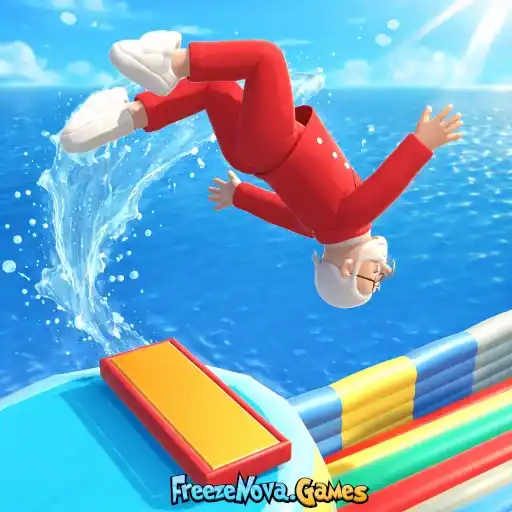
Backflip Challenge
Backflip Challenge: JUMP, FLIP, AND SPLASH YOUR WAY TO THE FINISH! PLAY THROUGH FUN LEVELS, TRY COOL CHARACTERS, AND DO AWESOME FLIPS ON CRAZY COURSES. BRIGHT CARTOON GRAPHICS M…. Play online instantly in your browser with no download.
ARCADE
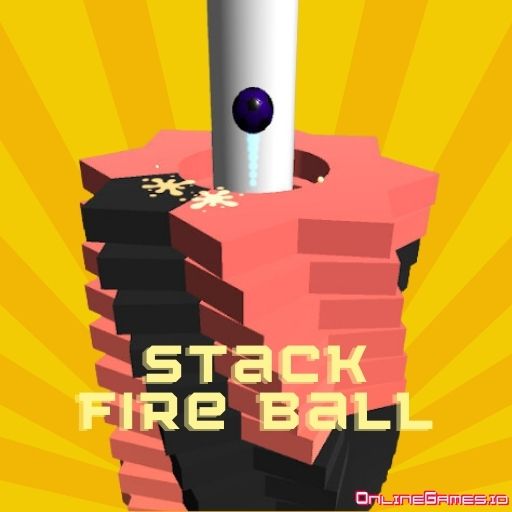
Stack Fire Ball
Stack Fire Ball: STACK FIRE BALL IS A FAST AND SATISFYING GAME THAT TESTS YOUR FOCUS. SMASH THE TILES WITH THE BALL AND REACH THE END OF EACH LEVEL. JUST AVOID THE DARK TILES…. Play online instantly in your browser with no download.
ARCADE
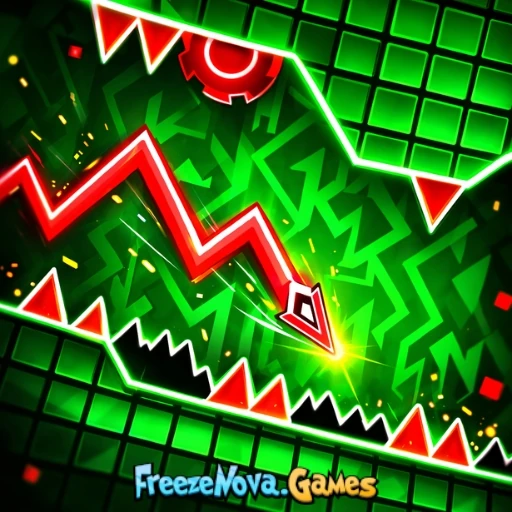
Geometry Vector
Geometry Vector: PLAY DIRECTLY IN YOUR BROWSER. EXTERNAL GAME SHELL — LOADING FROM THE CATALOG NODE.. Play online instantly in your browser with no download.
ARCADE
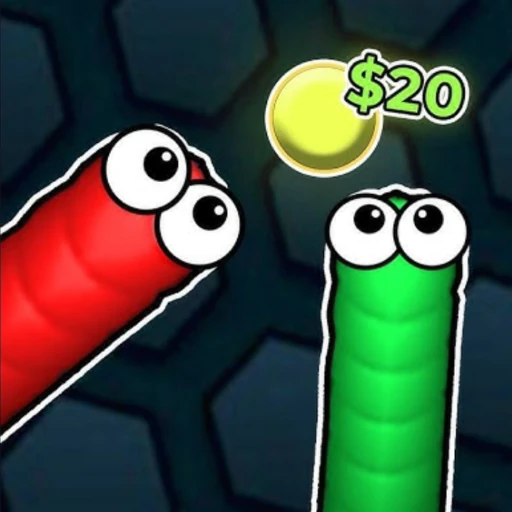
Snek Io
Snek Io: GAME PROVIDED BY DEVELOPER: FUNNIPY. Play online instantly in your browser with no download.
ARCADE
FAQ
How do I start Classicube?
Open Classicube and start with a short learning round to understand the pace. Focus on one core mechanic at a time, then combine movement and timing for stable progress. Use short retry loops to improve decision speed and consistency in each attempt.
What controls are used?
Use the WASD keys to move. Use the Left-Shift key to run. Use your Left-Mouse click to break. Use your Right-Mouse click to place. Use the Z key to fly. Use the Q and the E key to make up and down movements while flying. Use the X key to glitch through solid structures. Use the Space key to jump. Use the G key to drop blocks. Use the B key to open the block menu. Use the T key to open the chat menu. Use the R key to spawn. Use the Enter key to set a spawn point. Use the number keys 1-9 to switch between blocks. You may also use your mouse wheel to change blocks. Use the ESC key to open the menu.
Is this game free to play online?
Yes. You can start instantly in your browser with no download.